Ship Faster
We Eat Bugs
Explores apps like a real human, scrolling and tapping.
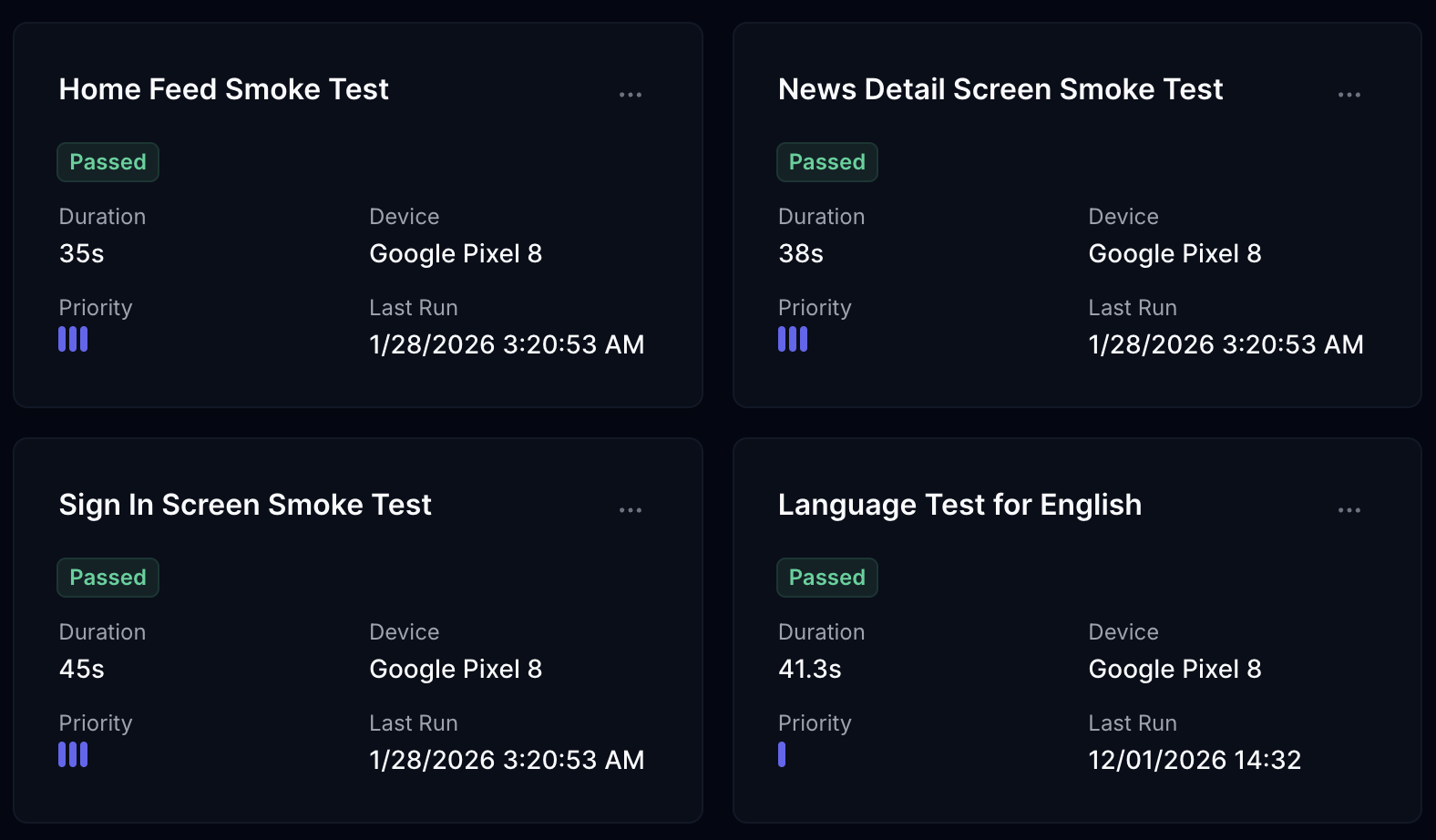
Builds tests for most important user stories.
Runs them across hundreds of devices.
Explores apps like a real human, scrolling and tapping.
Builds tests for most important user stories.
Runs them across hundreds of devices.

Share your app with any method you like
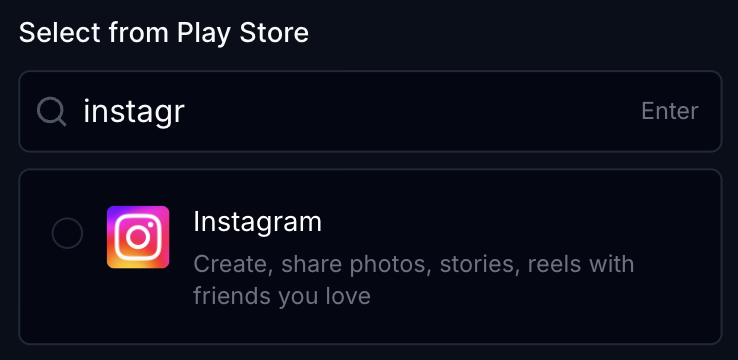
Choose your app directly from app stores.
Upload your Android APK or iOS IPA file directly.
Drop your APK/IPA file here to upload
How FlyTrap sees Apps
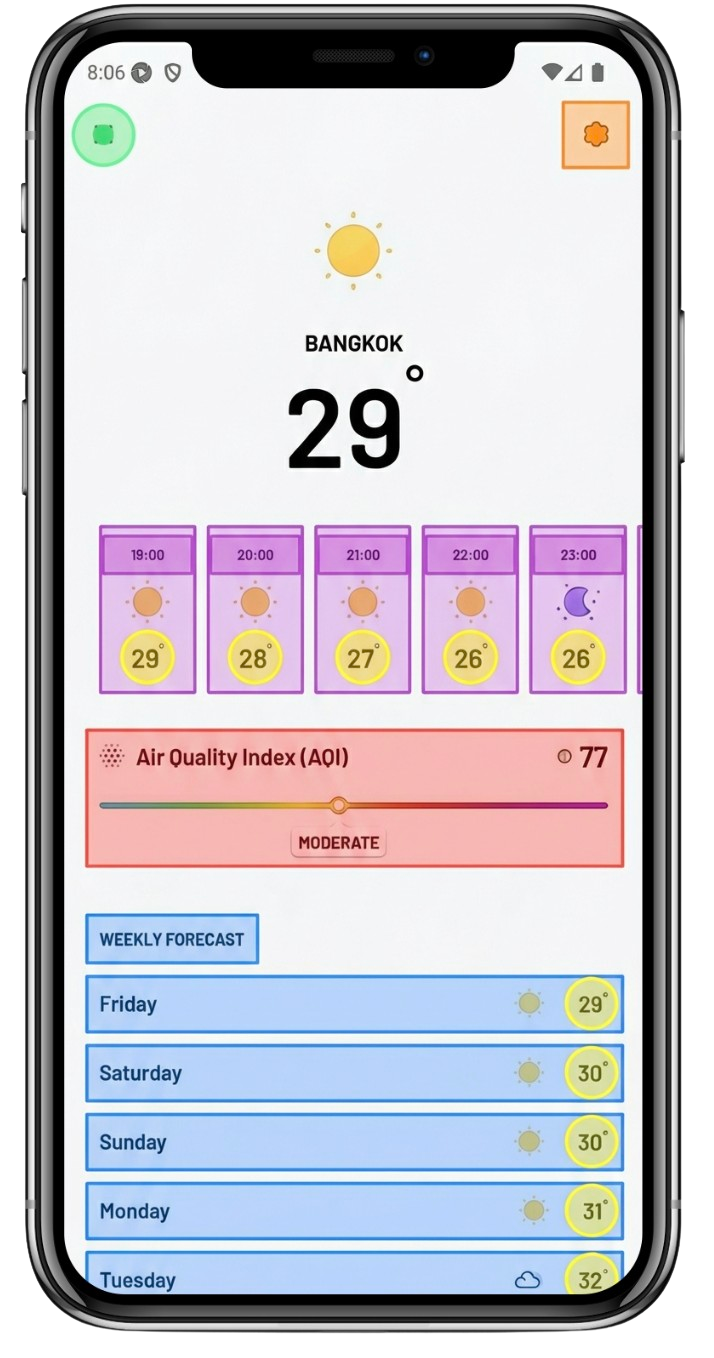
Taps through screens, tries odd inputs, and maps screens automatically. Agent navigates onboarding, menus, and hidden flows. No brittle scripts or heuristics to maintain.
Everything teams ask before they start running FlyTrap in production.
FlyTrap explores your app like a real user and builds end-to-end tests around critical journeys such as onboarding, sign in, checkout, settings, and can impact App Store approval.
No. You do not need prompts, code, or UI scripts. FlyTrap automatically discovers screens, proposes scenarios, and executes tests without ongoing script maintenance.
For a mid-complexity app, it's costly to run tests with multimodal LLMs on hundreds of devices. We built a heuristic driver layer to control the app, which makes it much more feasible to run tests at scale.
Maestro and Appium are infrastructure tools for building tests, while FlyTrap gives you tests out of the box. You do not need to make your app test-ready or rent a device farm like AWS Device Farm.
Yes. FlyTrap runs tests across Android and iOS devices, helping teams validate behavior differences across platforms before releases go live. It does not matter whether you use React Native, Flutter, or native code.
No. You do not need to share your code or even your app file (APK/IPA) in many cases. FlyTrap can find your app on the Play Store or App Store, download it automatically, and build tests for you. We run exploration through the accessibility layer (XML DOM) and image-processing techniques combined with LLMs.
Yes. Findings are designed to fit current engineering workflows and can be routed into tools like Jira, Linear, and GitHub for triage and follow-up.